
Construction Project Management - Primavera & MS Project
Course Overview
Construction Project Management - Primavera & MS Project
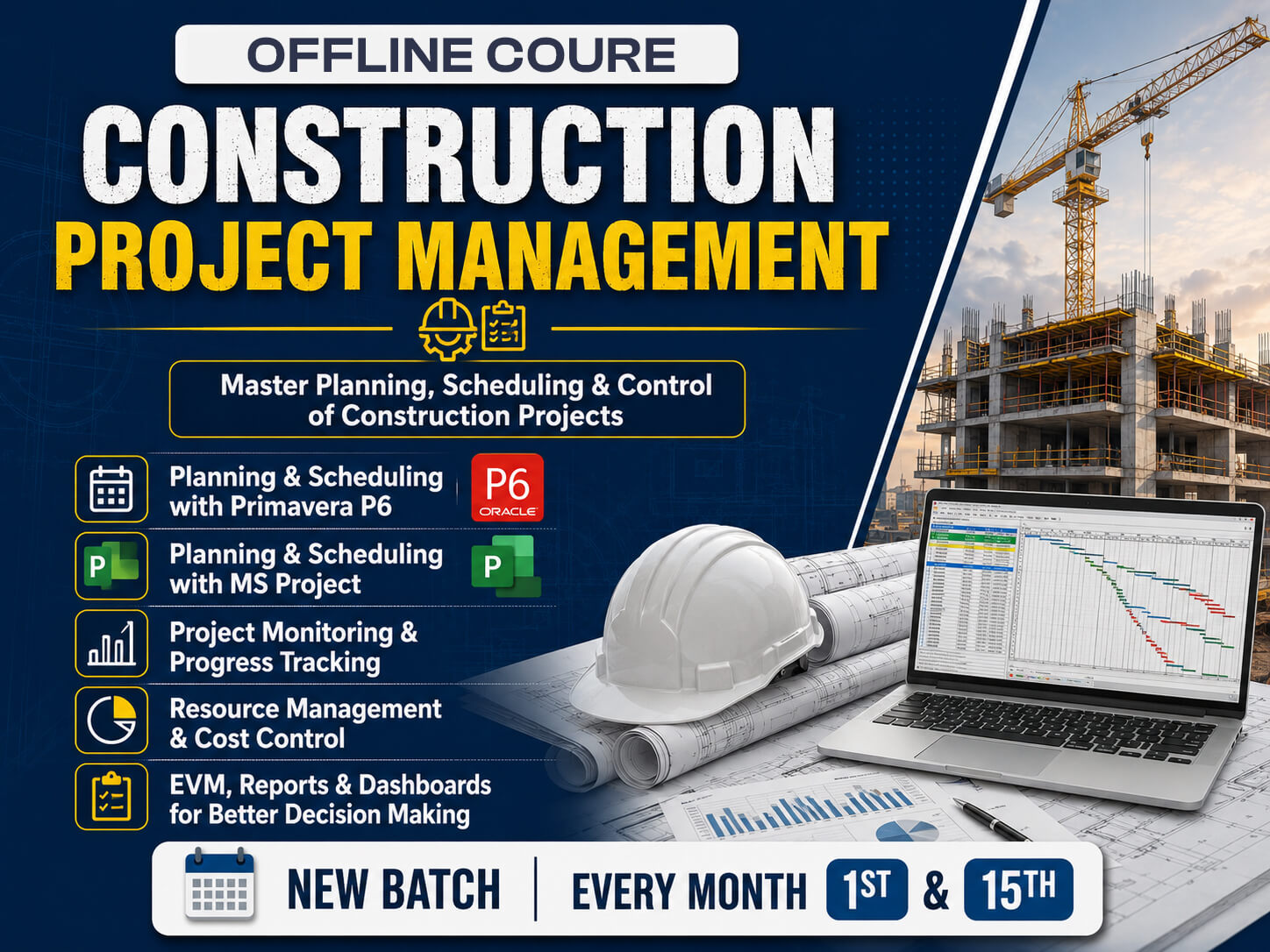
Master construction planning and scheduling with Primavera P6 and MS Project, in offline classes with real case studies.
The Construction Project Management program is a 1.5-month offline practical training course for civil engineers, project engineers, planners and construction professionals who want to master project planning and scheduling using Primavera P6 and Microsoft Project. It teaches participants to manage construction projects effectively from initiation to completion.
The Primavera P6 training begins with an advanced introduction to the software, covering the advanced interface, deep setup of the Enterprise Project Structure (EPS) and the Organizational Breakdown Structure (OBS), admin preferences and global settings. You will also work in a multi-user environment and learn project creation standards, so your projects are set up the way large construction organizations manage them.
The curriculum covers project creation, WBS development, activity planning and resource allocation, and moves on to scheduling, Gantt charts and critical path analysis. It also covers cost and time control, baseline management, progress tracking, reporting, dashboards and project monitoring, so you can compare planned progress with actual progress and identify delays early.
Software-based learning is combined with real construction case studies, so participants create project schedules, assign resources, monitor progress, generate reports and optimize project performance. By the end of the program, learners develop the practical project management skills needed for roles such as Planning Engineer, Project Coordinator, Scheduler, Project Control Engineer and Construction Project Manager.
Course Syllabus
-
1
Advanced interface understanding
-
2
EPS (Enterprise Project Structure) deep setup
-
3
OBS (Organizational Breakdown Structure)
-
4
Admin preferences & global settings
-
5
Multi-user environment
-
6
Project creation standards
- 1 Advanced interface understanding
- 2 EPS (Enterprise Project Structure) deep setup
- 3 OBS (Organizational Breakdown Structure)
- 4 Admin preferences & global settings
- 5 Multi-user environment
- 6 Project creation standards
-
7
Work Breakdown Structure creation techniques
-
8
Deliverable-based WBS
-
9
Phase-wise planning
-
10
Discipline-wise breakdown
-
11
Area/location-wise planning
-
12
WBS coding structure
-
13
Best practices for mega projects
- 7 Work Breakdown Structure creation techniques
- 8 Deliverable-based WBS
- 9 Phase-wise planning
- 10 Discipline-wise breakdown
- 11 Area/location-wise planning
- 12 WBS coding structure
- 13 Best practices for mega projects
-
14
Relationship & Logic Building
-
15
Leads & Lags practical use
-
16
Complex network logic
-
17
Logic validation techniques
-
18
Out-of-sequence progress handling
-
19
Relationship best practices
- 14 Relationship & Logic Building
- 15 Leads & Lags practical use
- 16 Complex network logic
- 17 Logic validation techniques
- 18 Out-of-sequence progress handling
- 19 Relationship best practices
-
20
Critical Path Method concepts
-
21
Float calculations
-
22
Critical activities identification
-
23
Longest path method
-
24
Schedule optimization
- 20 Critical Path Method concepts
- 21 Float calculations
- 22 Critical activities identification
- 23 Longest path method
- 24 Schedule optimization
-
25
Resource loading
-
26
Resource leveling
-
27
Cost loading & budgeting
-
28
Cash flow preparation
-
29
BOQ linking concepts
- 25 Resource loading
- 26 Resource leveling
- 27 Cost loading & budgeting
- 28 Cash flow preparation
- 29 BOQ linking concepts
View Complete Syllabus
The first 5 modules are available above. Submit your details to unlock the remaining 7 modules.
-
30
Planned Value (PV)
-
31
Earned Value (EV)
-
32
Actual Cost (AC)
-
33
Cost Variance (CV = EV - AC)
-
34
Schedule Variance (SV = EV - PV)
-
35
Cost Performance Index (CPI = EV/AC)
-
36
Schedule Performance Index (SPI = EV/PV)
- 30 Planned Value (PV)
- 31 Earned Value (EV)
- 32 Actual Cost (AC)
- 33 Cost Variance (CV = EV - AC)
- 34 Schedule Variance (SV = EV - PV)
- 35 Cost Performance Index (CPI = EV/AC)
- 36 Schedule Performance Index (SPI = EV/PV)
-
37
Data date concept
-
38
Progress updating methods
-
39
Delay analysis basics
-
40
Recovery schedules
- 37 Data date concept
- 38 Progress updating methods
- 39 Delay analysis basics
- 40 Recovery schedules
-
41
S-curve generation
-
42
Progress curves
-
43
Manpower histogram
-
44
Executive dashboard creation
-
45
Advanced printing setup
- 41 S-curve generation
- 42 Progress curves
- 43 Manpower histogram
- 44 Executive dashboard creation
- 45 Advanced printing setup
-
46
Delay identification
-
47
Extension of Time (EOT) basics
-
48
Time Impact Analysis (TIA)
-
49
Concurrent delay concept
- 46 Delay identification
- 47 Extension of Time (EOT) basics
- 48 Time Impact Analysis (TIA)
- 49 Concurrent delay concept
-
50
Excel integration
-
51
ERP integration basics
-
52
SAP linkage concepts
-
53
BIM integration overview
-
54
4D scheduling concepts
- 50 Excel integration
- 51 ERP integration basics
- 52 SAP linkage concepts
- 53 BIM integration overview
- 54 4D scheduling concepts
-
55
High-rise building planning
-
56
Highway project scheduling
-
57
Industrial project planning
-
58
Shutdown planning
-
59
EPC project scheduling
- 55 High-rise building planning
- 56 Highway project scheduling
- 57 Industrial project planning
- 58 Shutdown planning
- 59 EPC project scheduling
-
60
DPR preparation
-
61
Weekly & monthly reports
-
62
Client coordination
-
63
Planning interview questions
-
64
Planning engineer responsibilities
- 60 DPR preparation
- 61 Weekly & monthly reports
- 62 Client coordination
- 63 Planning interview questions
- 64 Planning engineer responsibilities
Course Brochure
Meet Your Instructor
Our instructors are industry professionals dedicated to providing high-quality training and practical insights to help you excel in your career.
5.0
Rating
Student Feedback
No reviews yet for this course. Be the first to share your experience!
Write a Review
Your email address will not be published. Required fields are marked *
Course Details:
- Cost: ₹18,500.00
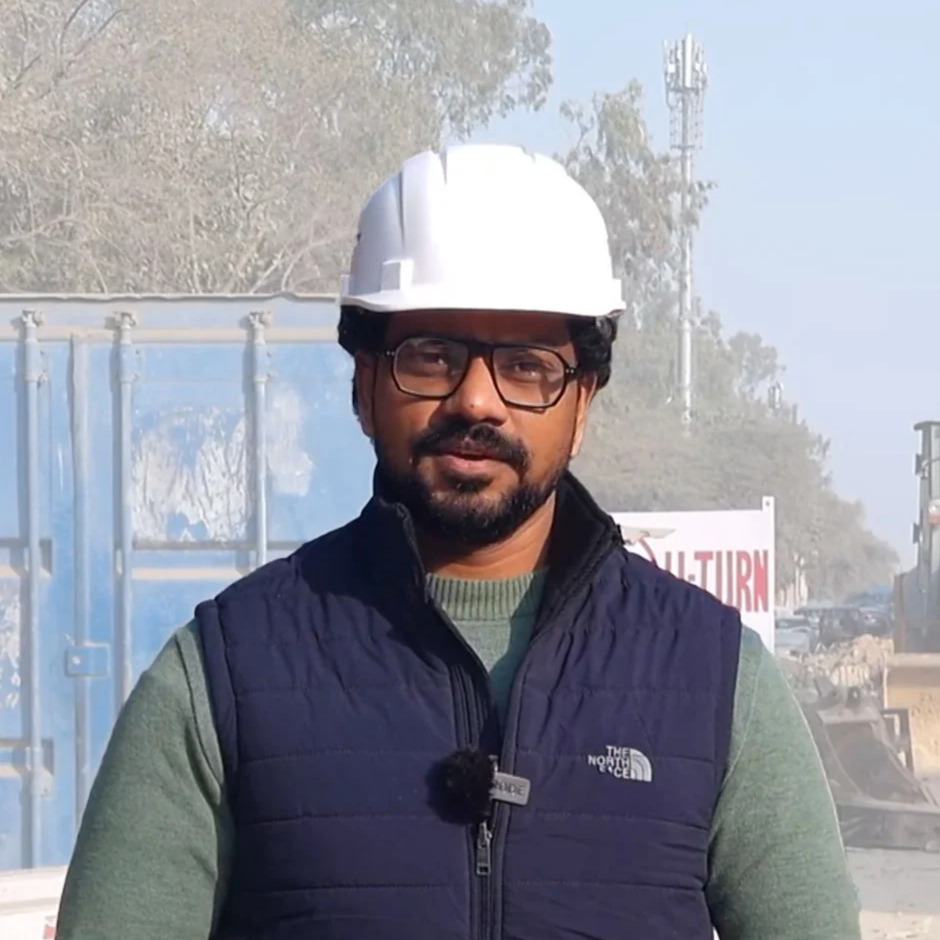
- Instructor: Nishant Goswami
- Duration: 1.5 Months
- Language: English
- Certificate: Included
Upcoming Batches:
- Morning Batch 10 Oct, 2026 (10:00 AM - 11:00 AM)
Share Details:
Related Courses
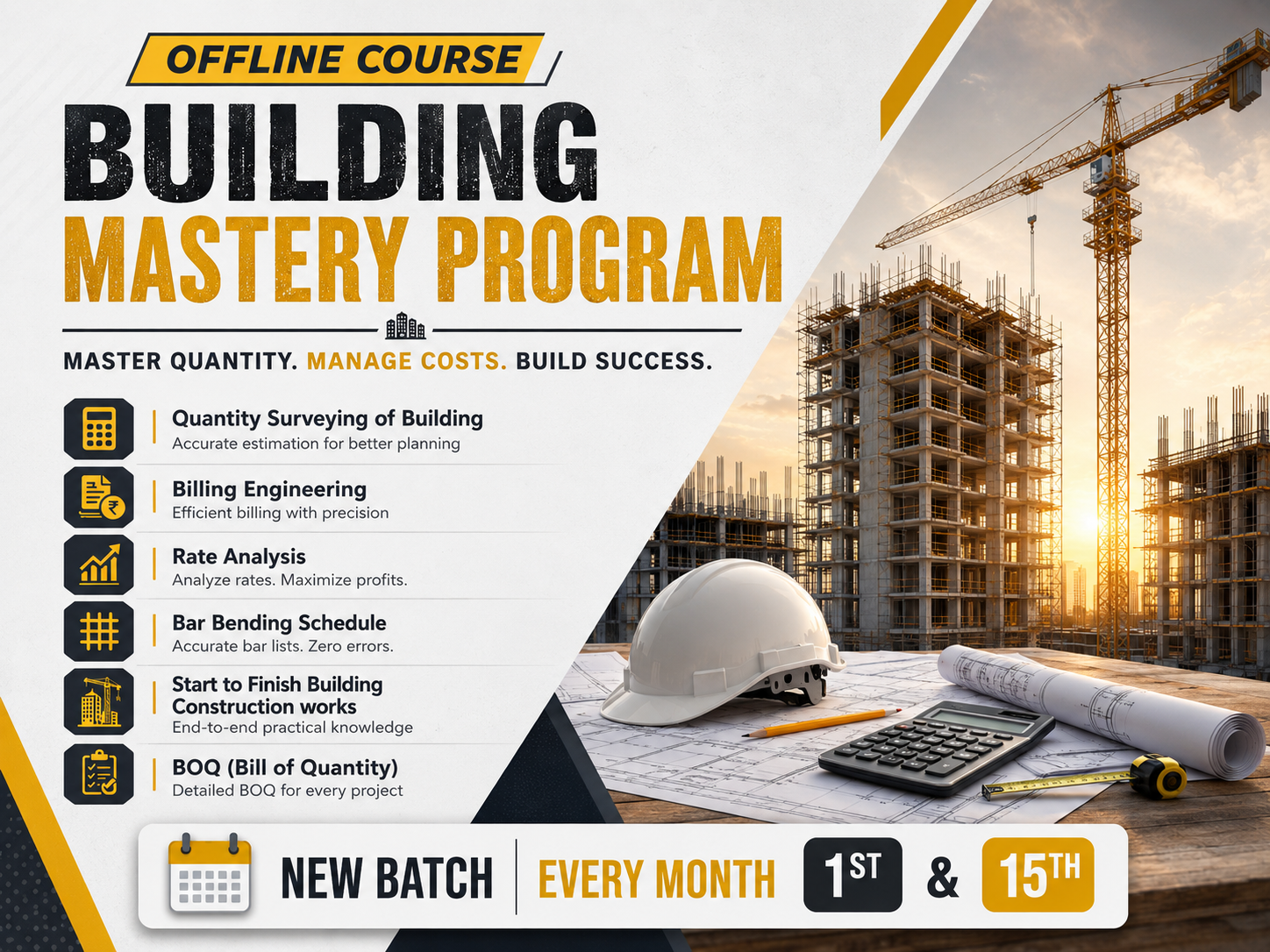
Building Mastery Program
Offline building construction training in QS, Billing, Rate Analysis and BBS on a G+11 project. New batches: 1st & 15th.…
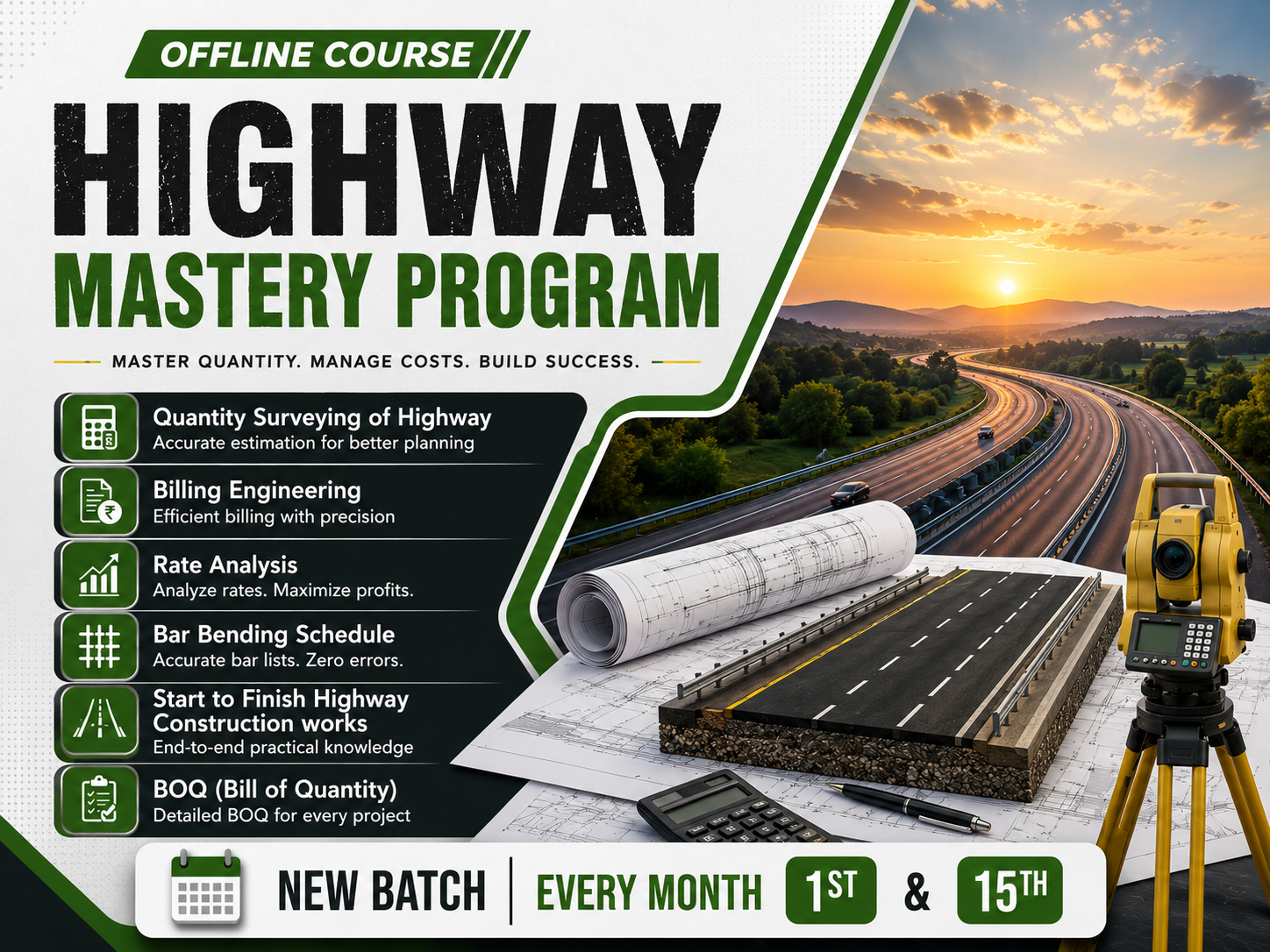
Highway Mastery Program
Highway construction training in QS, Billing, Rate Analysis and MORTH standards, with live project work. Offline course.…
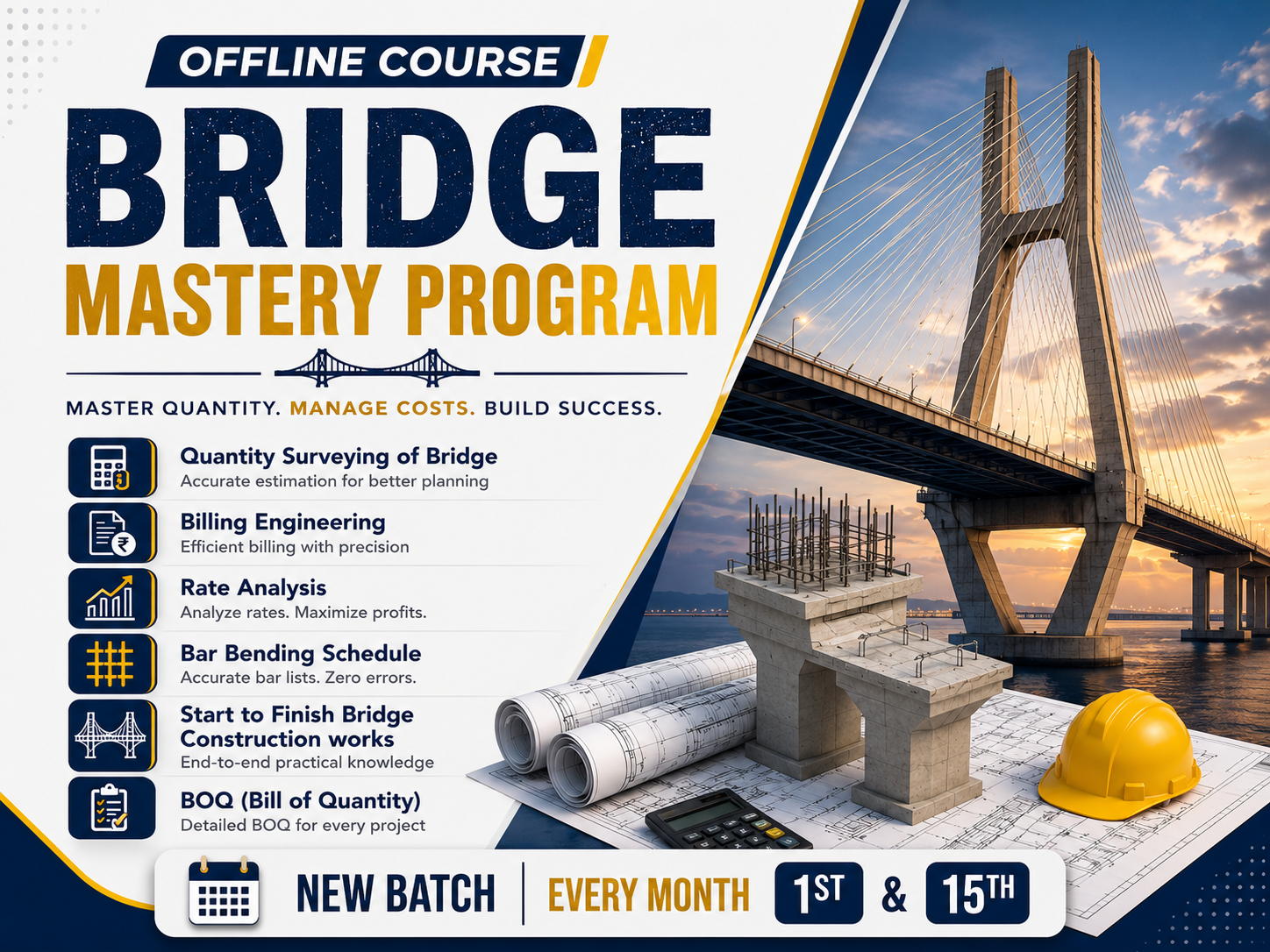
Bridge Mastery Program
Offline bridge construction training in QS, Billing, Rate Analysis and BBS, as per MORTH norms. New batches: 1st & 15th.…
Forgot Password?
Enter your email and we'll send you a reset link.